
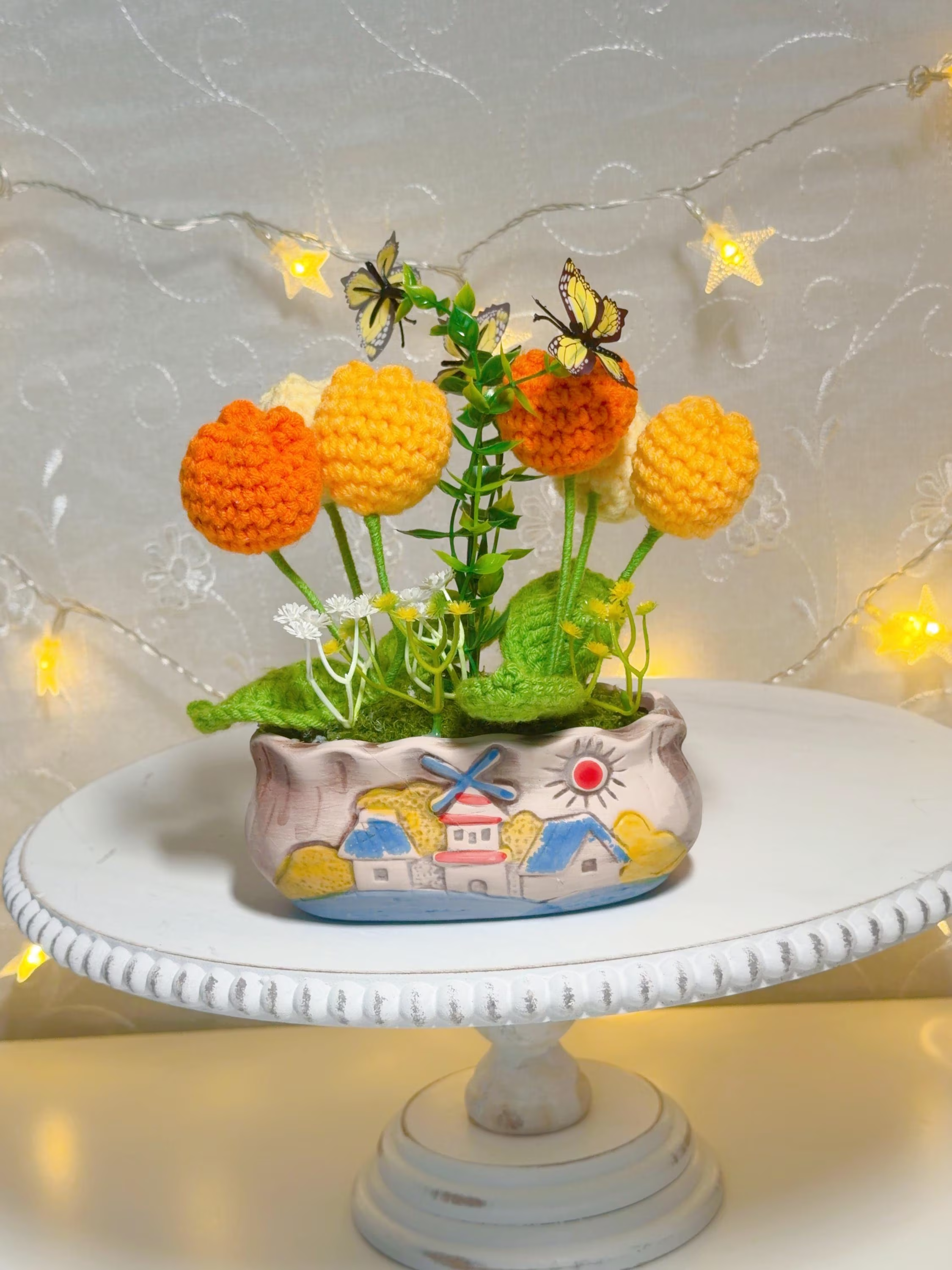
Small shops carry lots of different things: handmade amigurumi, crochet accessories, wall hangings and craft supplies all live alongside giftable items. The trick is to let shoppers find what they want without hiding useful crossovers. This article walks through clear, usable category structures that work for both your website and your physical floor, with trade-offs you can weigh against shelf space and your inventory of 108 listings.
Organize product categories for a small boutique
Start by deciding whether you want broader buckets or very specific folders. Broad categories reduce clicks and make the navigation feel simple; specific categories let repeat customers drill down faster. For a small boutique with mixed product types, like those in Amigurumi, Crochet, Wall Hangings, and Craft Supplies & Tools, a hybrid approach often works best: two or three top-level categories and a second layer of precise options.
The trade-off is that too many top-level entries overwhelm first-time visitors while too few can bury discoverable goods. Consider the volume of similar items you carry. If you have many wall hangings, give that its own top-level spot; if you have only a handful of specialty yarn tools, fold them under a ‘Craft Supplies’ parent so they remain visible without creating a lonely, unused menu item.
Start with what shoppers expect, then refine
Shoppers arrive with mental models: they think in terms like Gifts, Home, or Crafts more often than maker-specific terms. Use shopper expectations to name your highest-level categories, then expose maker- or material-based groupings in subcategories and filters. For example, use ‘Home & Decor’ or ‘Gifts’ as visible anchors, with submenus for Amigurumi, Wall Hangings, Crochet, and Craft Supplies.
Refinement should be driven by real behavior. After launch, measure which submenu items get clicks and which don’t. If a subcategory never receives traffic, either relabel it to something clearer, merge it into a broader group, or promote a few representative items on the top-level landing page so the category gains relevance.
Use filters, tags and cross-listing without clutter
Tags and filters let shoppers combine attributes—handmade, giftable, color, price—without forcing rigid category choices. Implement faceted search so someone can land on ‘Gifts’ and then filter to show ‘Amigurumi’ or ‘Wall Hangings’. Cross-list high-traffic items in two logical places instead of duplicating every SKU: one physical category and one thematic category keeps discovery high without multiplying administrative work.
There is a downside: too many tags or duplicate listings can dilute SEO and confuse inventory management. Keep a controlled vocabulary for tags, limit cross-listing to two or three spots, and document rules so staff know where to place new arrivals. For wholesale listings, decide early whether they live under a separate Wholesale section or remain integrated with retail inventory and use a filter to distinguish them.
In-store layout that mirrors online logic
Consistency between your website and physical store reduces shopper friction. If online you have a ‘Gifts’ category that mixes amigurumi and curated wall hangings, create an in-store ‘Gifts’ shelf or front table that does the same. Use clear signage and small groupings that reflect digital subcategories so customers who browse online have an intuitive next step in person.
Practical constraints matter: shelf depth, pegboard space, and sightlines limit how many micro-categories you can represent in the real world. When floor space is tight, prioritize seasonal, best-selling, and high-margin items for dedicated displays and rotate smaller collections into labeled bins. Keep pricing and tag formats consistent so staff can restock with minimal confusion.
Keep category names short and test with customers
Brevity wins. Short, clear names like ‘Home’, ‘Gifts’, ‘Crafts’, and ‘Wholesale’ are easier to scan on a phone and on shelf signage. Avoid cute or inside-joke labels that make your navigation memorable for you but mystifying for first-time visitors. If you use one-word top-level categories, you can use hover or small subtext to give a quick clarifying phrase for each submenu.
Run simple tests: change a category label for a few weeks and track clicks, add-to-cart rate, and conversion. Use quick in-store questions—ask a few shoppers if they would expect to find a specific product under X or Y—and adjust based on patterns. Over time you’ll strike the balance between discoverability and administrative simplicity.
A tidy category structure helps shoppers discover mixed inventory without hiding anything useful. Start with shopper-friendly top-level buckets, add precise subcategories and filters, and mirror that logic in your physical layout. Limit cross-listing, standardize tags, and let analytics and customer feedback drive refinements. For a compact catalog like the 108 listings across Amigurumi, Crochet, Wall Hangings, and Craft Supplies & Tools, small adjustments can make a big difference. If you have questions specific to wholesale presentation or need help reviewing category names, contact Helium South Beach at 760 Ocean Drive Store No. 6, Miami Beach, FL 33139, email [email protected], call +1 305-538-4526, or check Instagram at https://www.instagram.com/helium_southbeach/?hl=en. For product care, materials, or any small-parts cautions refer to each individual listing.